Canva exists to transform the way the world communicates visually, removing barriers and empowering every individual to create stunning designs with ease. Its vision is rooted in turning complex design into an intuitive, accessible experience available to all, regardless of skill level.
With a suite of innovative AI-powered tools and collaborative platforms, Canva is shaping a future where creativity flows unhindered and design becomes a universal language connecting people and ideas globally. It actively builds technologies that simplify creation while fostering collaboration and inclusivity.
Driven by a commitment to democratize design, Canva envisions a world where everyone can express themselves visually, publish anywhere, and impact communities and industries through thoughtful, beautifully crafted content that resonates worldwide.
Our Review
We've been using Canva for years, and honestly, it's one of those tools that just gets it right. What started as a simple drag-and-drop design platform has quietly evolved into something much bigger—a complete visual communication ecosystem that somehow manages to serve everyone from elementary school teachers to Fortune 500 marketing teams without feeling bloated or complicated.
The Genius of Keeping It Simple
Melanie Perkins had a brilliant insight back in 2013: most people don't need Photoshop's complexity to create something beautiful. We love that Canva stuck to this core principle even as they've added AI tools, website builders, and enterprise features. The interface still feels intuitive on day one, which is no small feat for a platform that now handles over 30 billion designs.
What impressed us most during testing was how seamlessly the free and paid features blend together. You never feel like you're hitting artificial walls—just natural upgrade points when you need more storage or advanced collaboration tools.
Where Canva Really Shines
The collaboration features in Canva Teams are genuinely impressive. We watched marketing teams share brand kits, teachers coordinate with students on projects, and small businesses maintain visual consistency across all their content. The real-time editing feels as smooth as Google Docs, which isn't something we can say about most design tools.
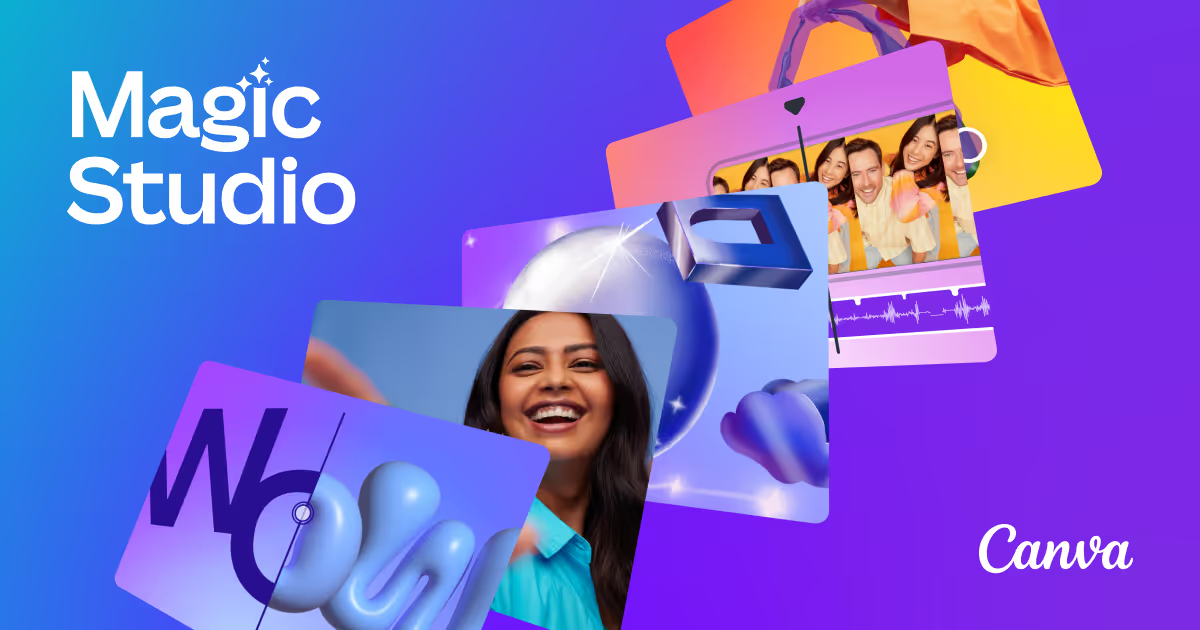
Their AI features—bundled under "Magic Studio"—actually feel useful rather than gimmicky. Magic Design can whip up decent templates from a brief description, and Magic Write handles social media captions better than we expected. It's not going to replace a creative director, but it'll definitely speed up your workflow.
The Sweet Spot
Canva hits that rare sweet spot where it's powerful enough for professional use but simple enough for your non-designer colleagues to contribute meaningfully. We've seen entire companies standardize on Canva simply because everyone can use it—from the CEO creating investor decks to the intern designing Instagram stories.
The pricing makes sense too. At $15/month per person for Pro features, it's a fraction of what traditional design software costs, and the collaboration benefits often pay for themselves in reduced back-and-forth time alone.
Feature
Cloud-based drag-and-drop graphic design platform
Collaboration features for teams and organizations
AI-powered tools like Magic Write and Magic Design
No-code website builder with customizable templates
Marketplace for designers to sell templates
Integrations with Slack, Google Drive, SharePoint, and more
FAQs
Canva Magic Studio